
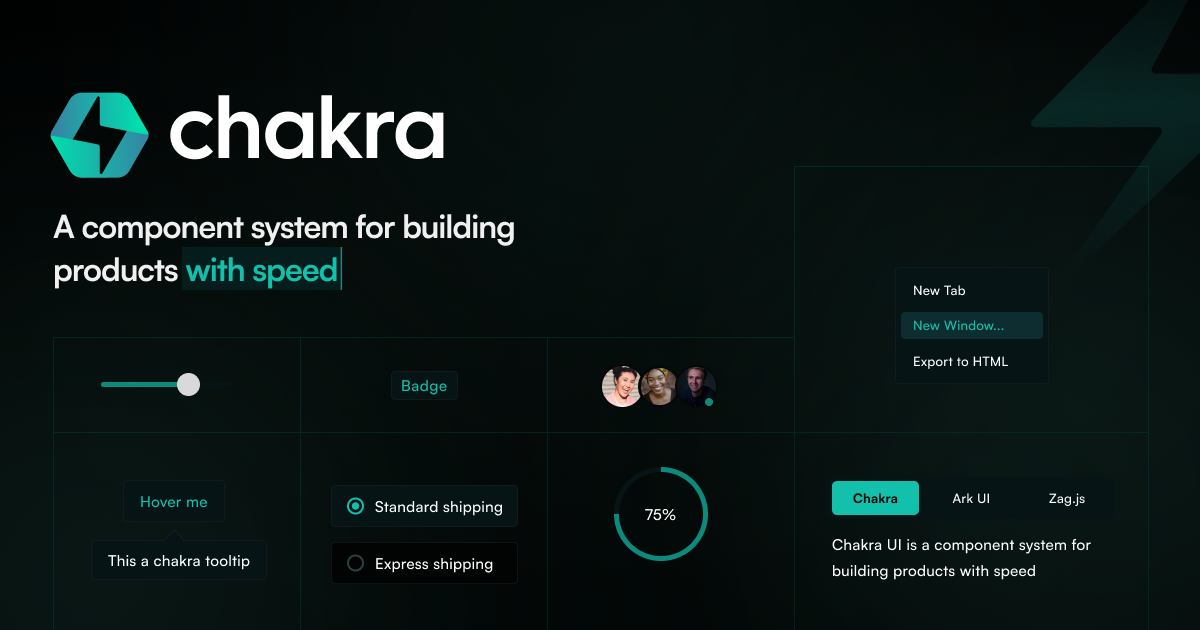
Chakra UI
chakra-ui.com
A simple, modular and accessible React component library with a style-props API.
Component Library
- Stacks
- ReactTypeScript
- Use cases
- Accessibility-firstRapid PrototypingDashboards
Installation
npm i @chakra-ui/react @emotion/reactnpx @chakra-ui/cli snippet addGetting started
- Use Node.js 20.x or newer. Chakra UI v3 requires React 18 or newer plus @emotion/react 11 or newer.
- Install the core packages: `npm i @chakra-ui/react @emotion/react`.
- Generate the snippet components with `npx @chakra-ui/cli snippet add`; this writes them (including `components/ui/provider`) into your project.
- Wrap the app root in `Provider` from `@/components/ui/provider`, and in TypeScript set `moduleResolution` to `Bundler`, `skipLibCheck` to `true`, plus a `@/*` path alias so snippet imports resolve.
- Render a first component to confirm styling works: `import { Button, HStack } from "@chakra-ui/react"`.
Agent setup prompt
Paste this into a coding agent to set Chakra UI up in an existing project.
Add Chakra UI v3 to this existing React project.

Prerequisites: Node.js 20.x or newer, React 18 or newer, and a bundler-based app (Next.js, Vite, Remix, and others are supported). Chakra UI runs on Emotion, so @emotion/react must be installed.

Steps:
1. Read package.json and the project config to detect the package manager (npm, pnpm, yarn, bun) and the framework.
2. Install the core packages: npm i @chakra-ui/react @emotion/react (use the matching command for the detected package manager).
3. Generate the snippet components with npx @chakra-ui/cli snippet add. This creates files under components/ui, including the provider. If the generated files import next-themes and it is not installed, install it too.
4. Wrap the application root with Provider imported from "@/components/ui/provider". In Next.js App Router, add suppressHydrationWarning to the <html> element as the docs show.
5. In tsconfig set compilerOptions to module "ESNext", moduleResolution "Bundler", skipLibCheck true, and paths "@/*" pointing at the source directory so the snippet imports resolve.
6. Smoke test by rendering a visible Button: import { Button, HStack } from "@chakra-ui/react".

Consult the official docs at https://chakra-ui.com/docs/get-started/installation and its framework guide for your stack before deviating, since setup differs per framework. When done, list the files you changed and how to start the dev server.