
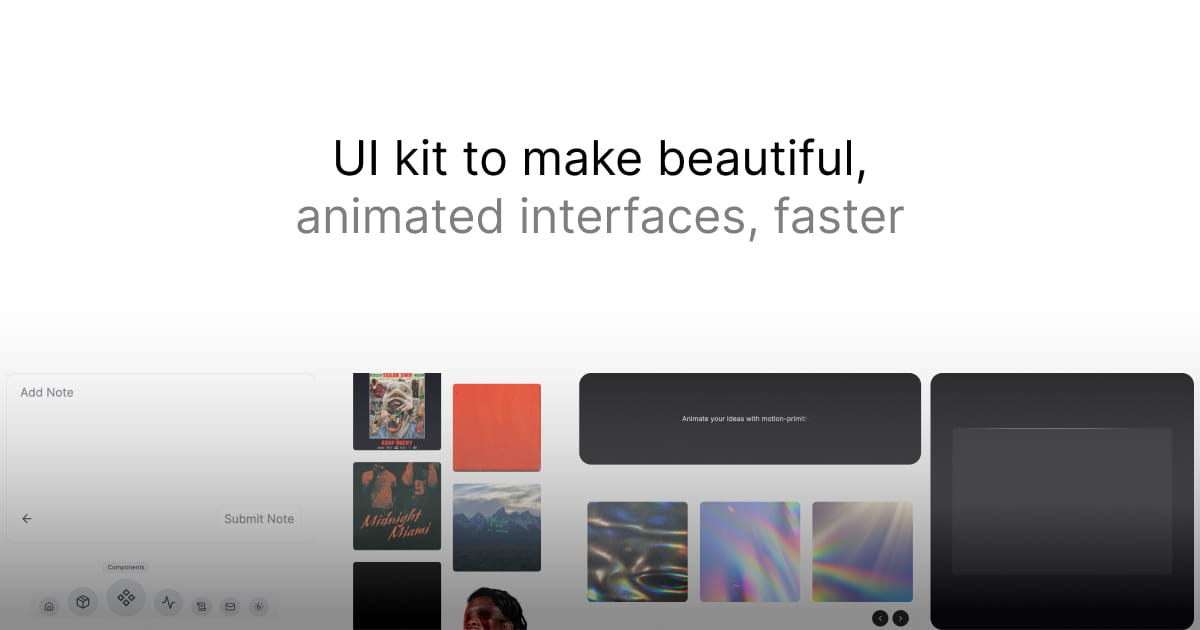
Motion Primitives
motion-primitives.com
Beautifully designed, animated components powered by Motion — copy, paste, and customize.
Animation & Motion
- Stacks
- ReactTailwind CSSTypeScript
- Use cases
- Micro-interactionsCreative & Experimental
Installation
npm install motionnpm install lucide-reactnpx motion-primitives@latest add accordionnpx shadcn@latest add "https://motion-primitives.com/c/accordion.json"Getting started
- Use a React + TypeScript project (Next.js or Vite) with Tailwind CSS already configured. The docs link to https://tailwindcss.com/docs/installation if it is missing.
- Install the animation runtime with `npm install motion`. The components import from `motion/react`; the separate `framer-motion` package is not used.
- Create `lib/utils.ts` exporting a `cn` helper, as the installation page prescribes: import `{ clsx, type ClassValue }` from `clsx` and `{ twMerge }` from `tailwind-merge`, then `return twMerge(clsx(inputs))`. The components import this as `@/lib/utils`, so the `@/` path alias must resolve and both packages must be installed.
- Add the icon set with `npm install lucide-react`, which the components use for chevrons and close buttons.
- Run `npx motion-primitives@latest add accordion` from the project root, or `npx shadcn@latest add "https://motion-primitives.com/c/accordion.json"` if you prefer the shadcn CLI. The CLI writes files to `components/motion-primitives/`, both routes install `motion` for you, and each component page also allows manual copy-paste of the source.
Agent setup prompt
Paste this into a coding agent to set Motion Primitives up in an existing project.
Help me add Motion Primitives (https://motion-primitives.com) animated components to this existing React project.

Motion Primitives is a copy-paste UI kit of animated React components built on Motion and Tailwind CSS. It is not an npm component library: you install individual components and the source lands in my repo as editable files.

Prerequisites:
- My project is React + TypeScript with Tailwind CSS already set up. Check this before starting; the components ship Tailwind class names and render unstyled without it.
- The components need the `motion` package (they import from `motion/react`, not `framer-motion`) and `lucide-react` for icons. Install them only if they are missing from package.json.
- They import a `cn` helper from `@/lib/utils`. If that file does not exist, create it with the exact body from https://motion-primitives.com/docs/installation: `import { clsx, type ClassValue } from 'clsx'; import { twMerge } from 'tailwind-merge'; export function cn(...inputs: ClassValue[]) { return twMerge(clsx(inputs)); }` and make sure the `@/` alias resolves to my project root.

Steps:
1. Read https://motion-primitives.com/docs/installation for the current setup steps, and pick the component page I need, for example https://motion-primitives.com/docs/accordion.
2. Install the component with the official CLI from the project root: npx motion-primitives@latest add accordion. This writes the component into components/motion-primitives/ and installs its dependencies. To use the shadcn CLI instead, run npx shadcn@latest init first if there is no components.json, then npx shadcn@latest add "https://motion-primitives.com/c/accordion.json". Use a real component name from the docs, not a guess.
3. Confirm the available component names with npx motion-primitives list. The shadcn registry index is at https://motion-primitives.com/c/registry.json.
4. First usage: import the component from the path it was written to, render it in an existing page or view, and adapt its Tailwind classes to my design tokens. Every component file already carries a "use client" directive, so it can be imported from server components in the Next.js App Router. No MotionConfig or other global provider is required, because any configuration is per component.
5. Verify the app still builds and that the animation runs, then check the component page for its props (for example the text-effect per and variants options) before adding more components.

Keep the installed component source in my repo and treat it as mine to edit. Consult the component's docs page for real prop names and defaults rather than inventing them, since the README notes the project is in beta with frequent component and code updates.