
Preline
preline.co
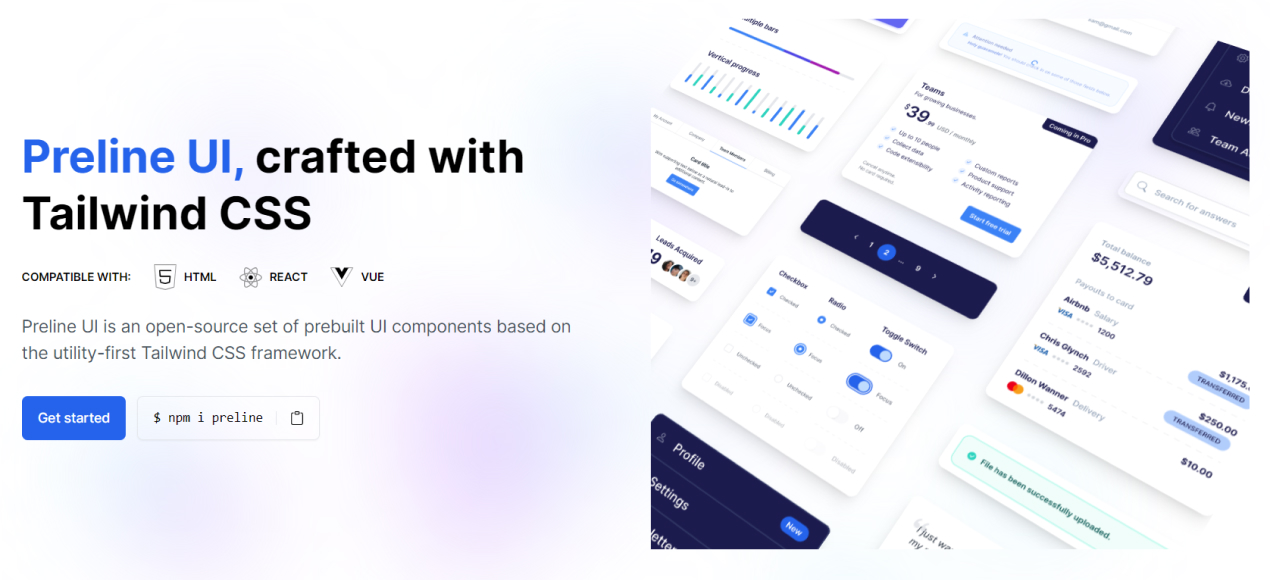
Open-source Tailwind CSS components with Figma design files — marketing, e-commerce and application UI.
Templates & Blocks
- Stacks
- Tailwind CSSVanilla JSReact
- Use cases
- Marketing SitesLanding PagesRapid Prototyping
Installation
npm i prelinenpm install -D @tailwindcss/formsGetting started
- Prerequisites: Node.js with npm, and an existing project that already runs Tailwind CSS v4. The official install page uses the Tailwind v4 CSS-first syntax.
- Install the package with `npm i preline`, then add the forms plugin as a dev dependency with `npm install -D @tailwindcss/forms` (Preline form components rely on it).
- In the CSS file that imports Tailwind, add `@source "./node_modules/preline/dist/*.js";` and `@import "./node_modules/preline/variants.css";` after `@import "tailwindcss";`, plus `@plugin "@tailwindcss/forms";`.
- Load the JavaScript that powers interactive components with `<script src="./node_modules/preline/dist/preline.js"></script>` near the end of `</body>`. Use the `preline/non-auto` entry when you want manual or per component initialization.
- Copy a component's markup from the docs, for example https://preline.co/docs/components/dropdown.html, then follow the guide for your stack (Next.js, React + Vite, Vue, Svelte, Astro and more) at https://preline.co/docs/frameworks.html.
Agent setup prompt
Paste this into a coding agent to set Preline up in an existing project.
Add Preline UI to this existing project.

Prerequisites: Node.js and npm, and a project that already runs Tailwind CSS v4. Preline UI is a Tailwind CSS component library: you copy component markup from the official docs, and the package ships the JavaScript that powers interactive parts. Start from the official install guide at https://preline.co/docs/ and the framework guide for this stack at https://preline.co/docs/frameworks.html (Next.js, React + Vite, Vue, Svelte, Astro, Laravel and more are covered).

Steps:
1. Install the package: npm i preline. Then install the forms plugin that the form components depend on: npm install -D @tailwindcss/forms.
2. In the CSS file that imports Tailwind, right after @import "tailwindcss";, add @source "./node_modules/preline/dist/*.js";, @import "./node_modules/preline/variants.css"; and @plugin "@tailwindcss/forms";
3. Make interactive components work by adding <script src="./node_modules/preline/dist/preline.js"></script> before the closing </body> tag. In a React or Vue single page app, use the preline/non-auto entry and re-run initialization after route changes as the framework guide shows.
4. First usage: copy a component markup example from the docs, for instance a dropdown from https://preline.co/docs/components/dropdown.html, paste it into an existing page and confirm it opens, closes and traps focus with no extra configuration.
5. Theming: see https://preline.co/docs/themes.html for theme files and colors, and https://preline.co/docs/dark-mode.html for dark mode.

Optional for AI agents: Preline ships agent skills, installed with npx skills add htmlstreamofficial/preline (details at https://preline.co/docs/agent-skills.html).

Use only markup, class names and options documented on https://preline.co/docs/, and check the docs whenever a component needs behavior you do not see in the copied example. Keep the Preline JavaScript include and the CSS source import intact, since interactive components silently fail without them.