
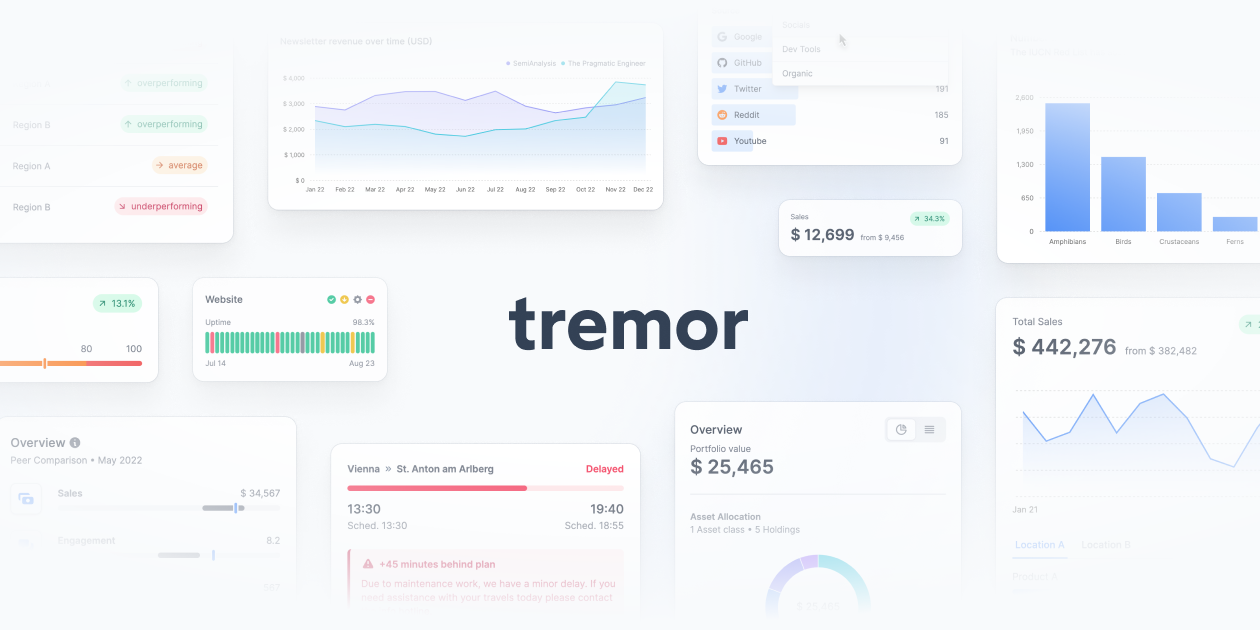
Tremor
tremor.so
React components purpose-built for dashboards — charts, KPI cards, and data display built on Tailwind.
Charts & Data Viz
- Stacks
- ReactTailwind CSSTypeScript
- Use cases
- DashboardsData Visualization
Installation
npm install tailwind-variants clsx tailwind-merge @remixicon/reactnpx @tailwindcss/upgradenpm install -D @tailwindcss/formsnpm i rechartsGetting started
- Tremor Raw is copy and paste, not an npm package: there is no `tremor` dependency to install and no CLI. The current offering is Tremor Raw at https://www.tremor.so, and the older npm package `@tremor/react` (v3, last published January 2025) is no longer the documented path.
- Use React v18.2.0+ with Tailwind CSS v4.0+. The installation page states both minimums, and the March 2025 changelog release updated every component to Tailwind CSS 4 as a breaking change.
- Follow the framework guide at https://www.tremor.so/docs/getting-started/installation/next (Next.js) or https://www.tremor.so/docs/getting-started/installation/vite (Vite). On Next.js run `npx create-next-app@14.2.28 my-project --ts --tailwind --eslint --app --src-dir`, then `npx @tailwindcss/upgrade` to move the scaffolded Tailwind v3 up to v4.
- Install the base packages with `npm install tailwind-variants clsx tailwind-merge @remixicon/react`, add `@tailwindcss/forms` as a dev dependency, and paste the Tremor animation keyframes and `@custom-variant dark` block into `globals.css` — the components animate through those custom properties.
- Create `src/lib/utils.ts` with the `cx` helper plus the `focusInput`, `focusRing` and `hasErrorInput` class arrays, and `src/lib/chartUtils.ts` with the chart color utilities. Then open a component page such as https://www.tremor.so/docs/visualizations/area-chart, copy its source into a file in `src/components`, and run the per-component dependency line it lists (for example `npm i recharts` for charts, `npm i @radix-ui/react-slot` for Card).
Agent setup prompt
Paste this into a coding agent to set Tremor up in an existing project.
Add Tremor Raw (https://www.tremor.so) chart and dashboard components to this existing React project.

Prerequisites:
- Tremor Raw is a copy-and-paste component library, not an npm package. Do not install @tremor/react, and do not look for a shadcn registry entry or components.json for it — neither exists. Components are source files that land in my repo and become mine to edit.
- Requirements per the official install page: React v18.2.0+ and Tailwind CSS v4.0+. Check both before starting. Tremor is built on Tailwind CSS and Radix UI.
- Charts render through Recharts, so any chart component needs the recharts package.

Steps:
1. Read the installation page at https://www.tremor.so/docs/getting-started/installation, then the guide for my framework: https://www.tremor.so/docs/getting-started/installation/next for Next.js or https://www.tremor.so/docs/getting-started/installation/vite for Vite. Use those pages for the current commands rather than guessing.
2. If Tailwind is still v3, upgrade it: npx @tailwindcss/upgrade. Then install the base packages: npm install tailwind-variants clsx tailwind-merge @remixicon/react, and npm install -D @tailwindcss/forms.
3. Wire up the theme and utilities. Add the Tremor @custom-variant dark rule and the full set of @theme animation variables plus @keyframes to my globals.css, since every dialog, drawer, accordion and tooltip animation resolves against those custom properties. Create src/lib/utils.ts exporting the cx helper and the focusInput, focusRing and hasErrorInput class arrays, and src/lib/chartUtils.ts exporting chartColors, AvailableChartColors, constructCategoryColors, getColorClassName, getYAxisDomain and hasOnlyOneValueForKey. Keep the @/lib and @/components path aliases working.
4. Add components one at a time. Open the component page, copy the source into src/components/<Name>.tsx, and run the "Install dependencies" line printed on that same page. Chart components need npm i recharts; Card needs npm i @radix-ui/react-slot; inputs and overlays need their @radix-ui/react-* package, and the date components need date-fns@3.6.0 and react-day-picker@8.10.1. Do not guess the dependency list — copy it from the page.
5. First usage: render a chart from https://www.tremor.so/docs/visualizations/area-chart inside a Card, pass data, index and categories, and confirm the app builds and the chart renders. Charts are client components, so add "use client" at the top of the file in the App Router.
6. Follow my existing conventions: the examples on the docs site use Geist, antialiased and a dark:bg-gray-950 background on the <html> tag. Match whatever my project already does rather than forcing the docs' font, and note that dark mode is class-based, not prefers-color-scheme.

Treat the copied source as part of my codebase, match the surrounding file style, and check the component page before adding a prop so the API matches the version in the changelog at https://www.tremor.so/changelog.